
Remove backgrounds from listing photos.
Clean up listing photos while you prepare the item in Resylr.
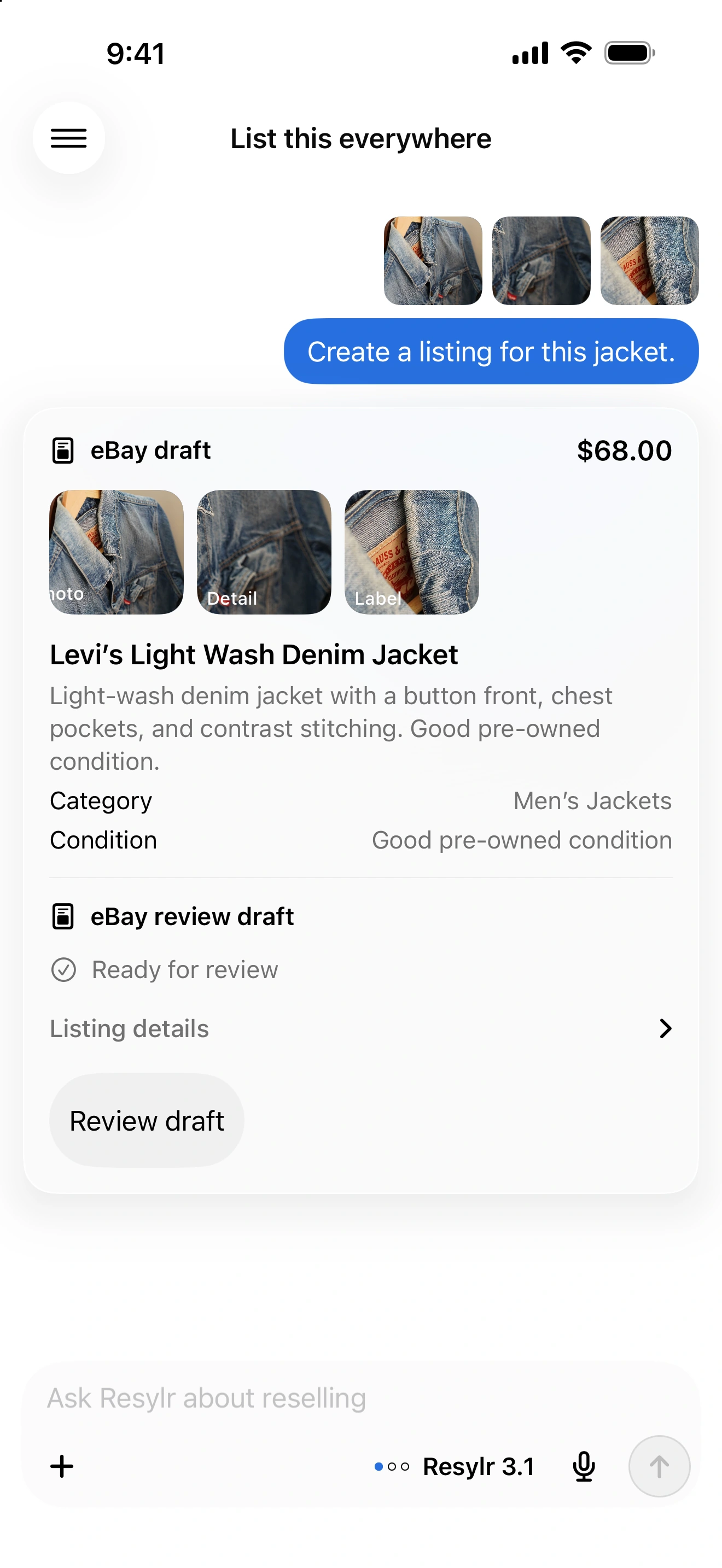
Remove a busy background.
Use background removal to separate the item from a busy surface. Keep an original photo so you can compare edges, texture, and color.
Keep the condition visible.
Do not erase wear, stains, damage, or missing parts. Include close-ups of flaws and the real item’s labels.
Check the result at full size.
Look around straps, laces, transparent areas, and fine edges. Retake the photo if an edit changes the shape or hides a detail.