
Turn item photos into a listing.
Add your photos, review the draft, and prepare it for your connected marketplaces.
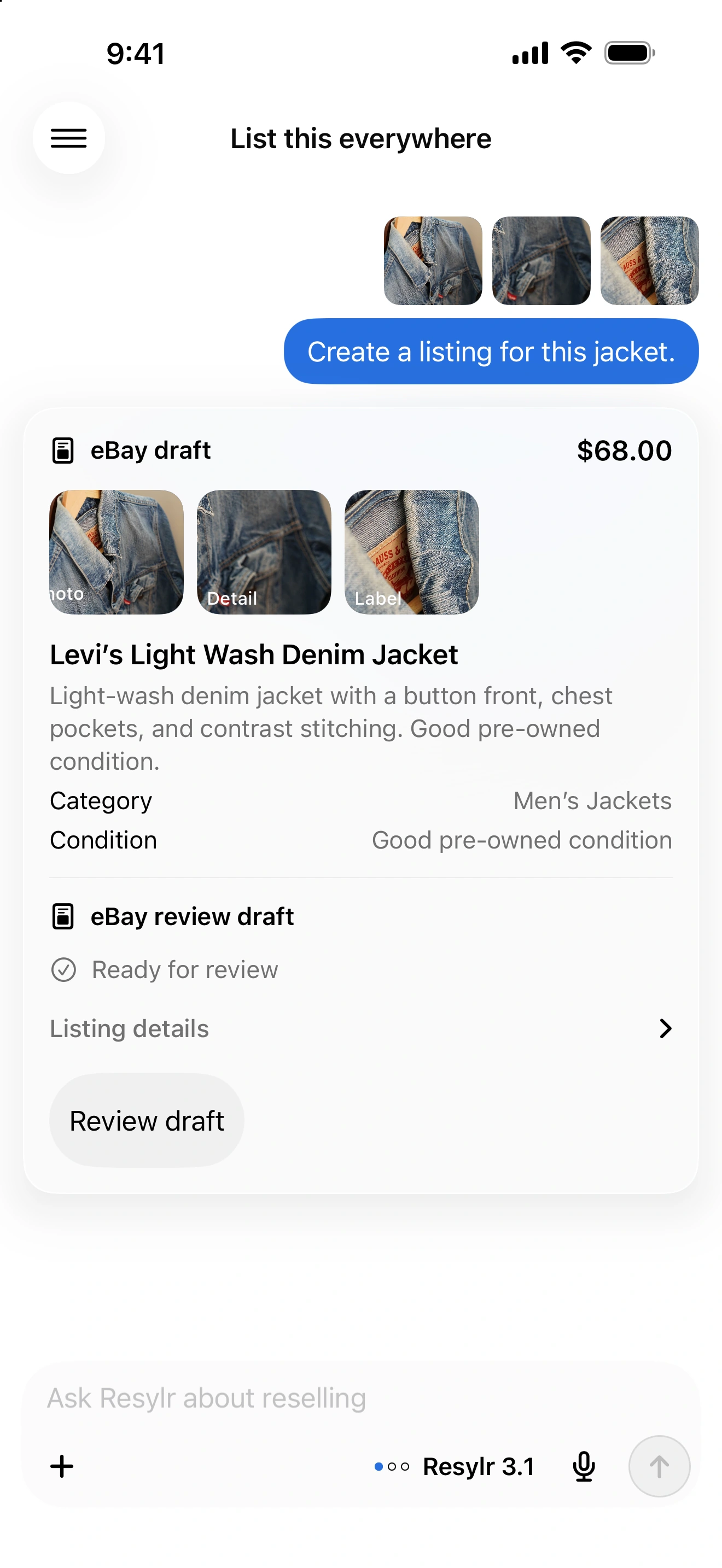
Start with clear photos.
Photograph the front, back, labels, and any flaws. Add details the photos cannot establish, such as measurements or a missing accessory.
Review the details.
Resylr uses your photos and notes to prepare a draft. Check the brand, size, condition, description, and price before publishing.
Prepare each marketplace.
Choose your destinations and review their required fields. Missing details stay with the right item so you can answer them in chat.
Finish it when you’re ready.
Save a draft to Inventory, reuse its photos, and pick it up later. Correct an unpublished draft and continue preparing the same item.