
Connect Vinted, then keep selling across marketplaces.
Resylr connects Vinted on desktop, iPhone, or Android. Desktop uses the Chrome extension for initial setup; connected inventory stays available across devices. Crosslist stopped offering Vinted to new customers in October 2026; existing connected customers retain access.
Check your country and account type.
Vinted support varies by country site and account type. Look for importing, publishing, and sale detection for the marketplaces you use.
- Will it import existing Vinted listings or only create new ones?
- Can it publish to your other marketplace in the same country?
- Does sold-item removal keep working when your computer is off?
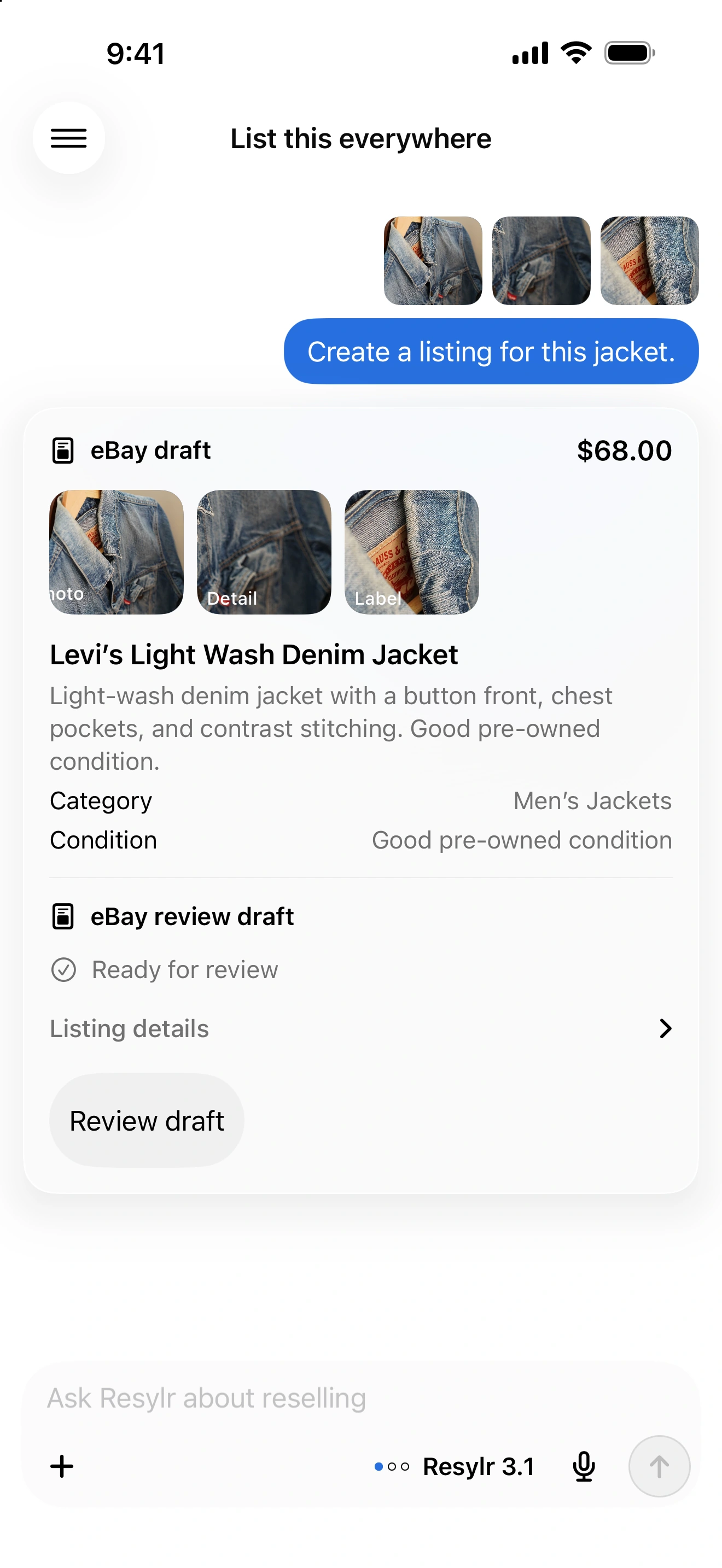
One jacket. Two listings.
Keep the jacket under one item record. Reuse the photos and description, then review size, category, condition, price, and parcel settings for each destination. Open both published listings and save their links against the same SKU.
- Start with an existing item so you can compare the title, photos, condition, and price before and after import.
- Review each destination’s size and category instead of assuming the same value works everywhere.
- Check that both live listings refer to one physical item before repeating the process for a batch.
When it sells, check the other copy.
Automatic delisting depends on a working connection and the correct item links. Confirm that the other listing is no longer purchasable. If it is still live, remove it directly and reconcile the inventory record before relisting.