
Crosslist more than one item at a time.
Choose your inventory, review the marketplace details, and follow each item through publishing.
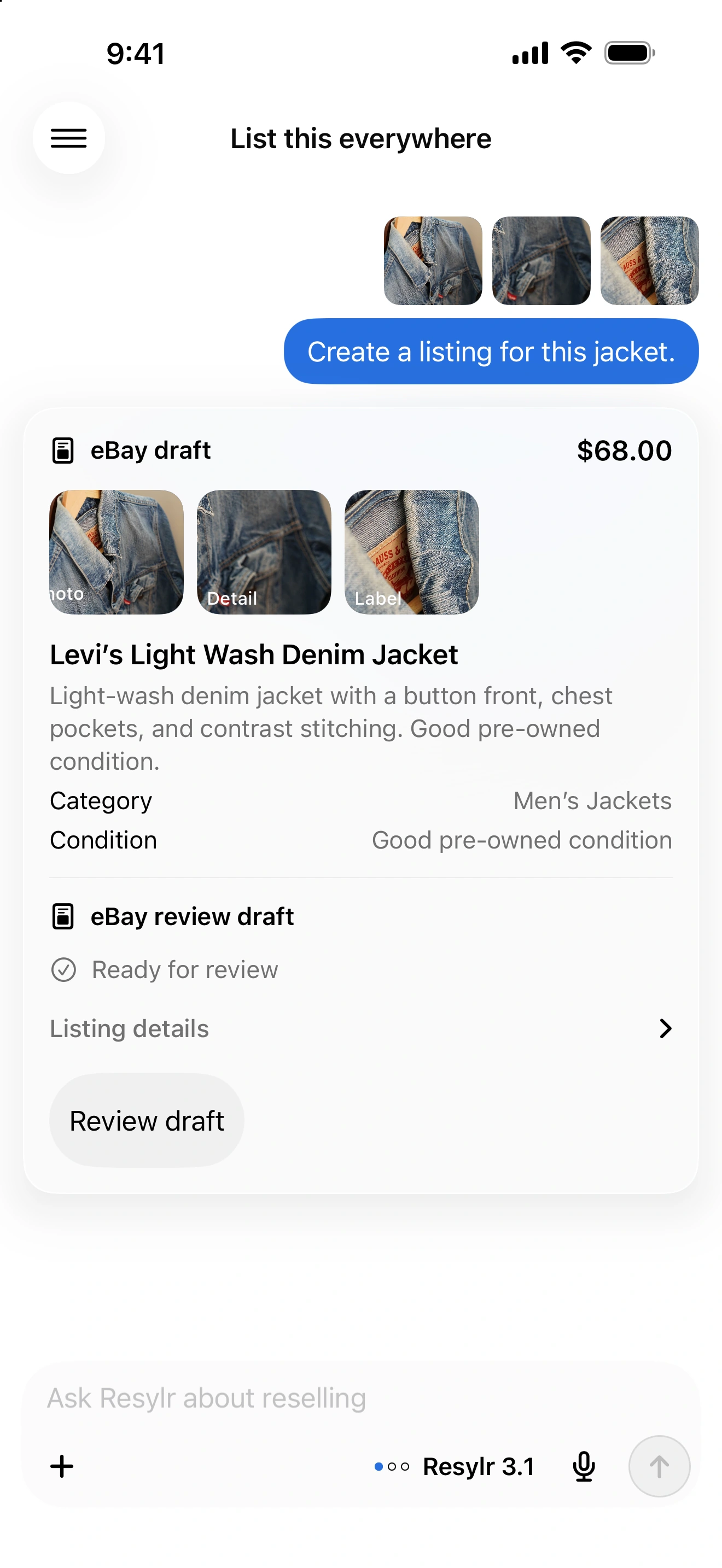
Choose the items.
Select the inventory you want to crosslist, using the photos and details already saved with each item.
Fill in what’s missing.
Review the categories, sizes, shipping, and other fields each marketplace needs. Resylr keeps missing details with the right item in the batch.
Continue unfinished work.
See which listings published and which need attention. Correct an unpublished draft and continue the request; completed actions stay completed.
Let the cloud handle the work.
Once your accounts are connected, crosslisting, delisting, and sync run in the cloud. You don’t need to keep your computer, extension, or app running.