
Know what you have and where it’s listed.
Keep photos, costs, stock, storage locations, and marketplace listings with the same item.
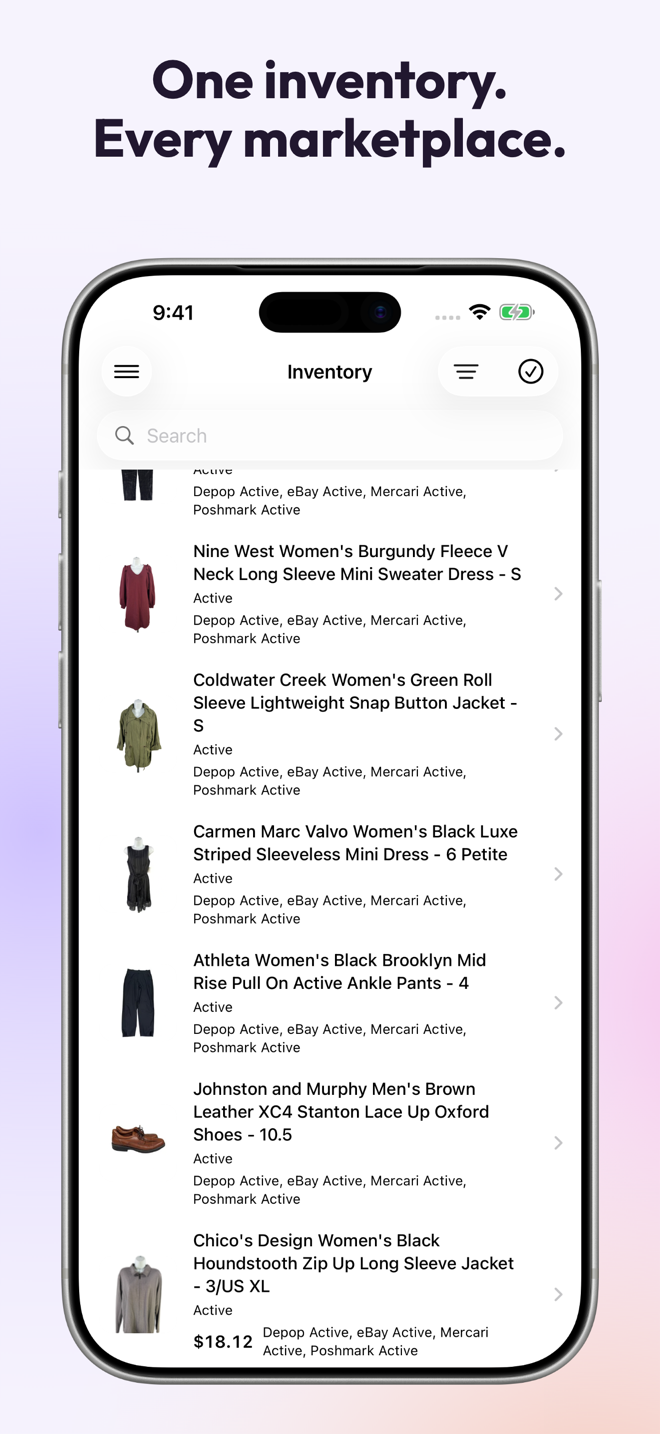
Keep one item record.
Add photos, purchase cost, quantity, and storage location. Use a SKU if you have one, and keep the record from the first draft through the sale.
Match imported listings—even without a SKU.
Resylr checks item details and verifies photos to link imported listings to an existing inventory item. Stock checks still apply, and uncertain matches stay in review.
Find the item when it sells.
Keep bin or shelf names with your inventory. Open the item from its order so you can check the photo and location before packing.
Follow its marketplace listings.
See where the item is listed and which connections need attention. Crosslisting, delisting, and sync keep running in the cloud after your accounts are connected.