
Manage your eBay listings in Resylr.
Crosslist to eBay, edit listings, and put repeat work on a schedule.
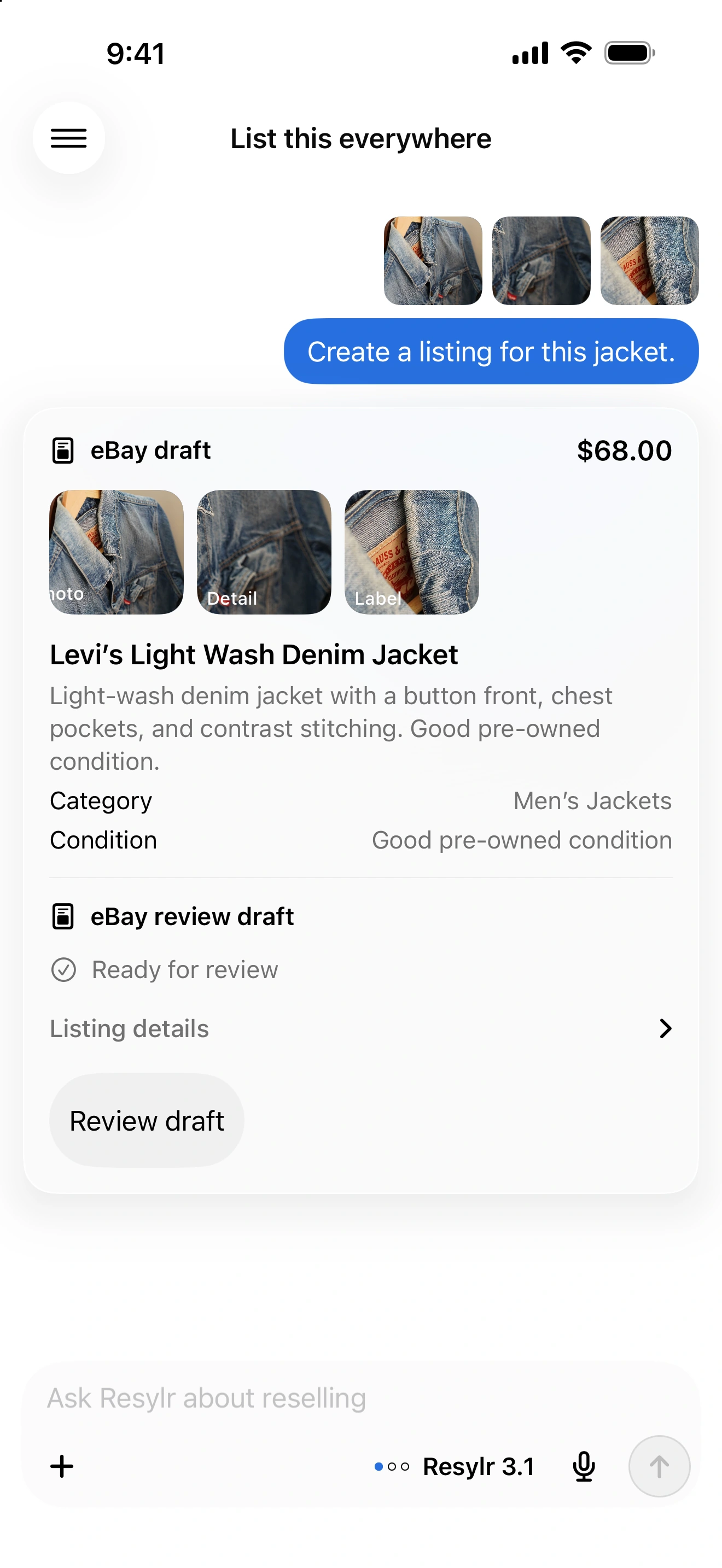
Connect from your phone or desktop.
Connect in Settings → Connections on iPhone or Android. On desktop, use the Chrome extension to connect or reconnect your account.
Prepare the listing.
Review the category, item specifics, condition, photos, and shipping before publishing. Keep the listing linked to its inventory record.
Update live listings.
Ask to change supported text, price, condition, SKU, quantity, photos, or shipping details. Photo edits use saved inventory photos; shipping-policy changes use an existing eBay policy. Eligibility varies by listing and edit.
Schedule prices, offers, and relisting.
Set price drops, buyer offers, incoming-offer rules, or relisting for eligible USD fixed-price listings without variations. Choose floors, schedules, and limits. eBay selects eligible offer recipients; outgoing offers keep a four-day minimum cooldown.
Review relisting fees.
Recurring relisting supports eligible unsold listings at least 60 days old. New rules start with a $0 estimated fee limit. If the fee check or relisting fails after the original ends, it can remain ended.
No computer required.
Once your accounts are connected, crosslisting, delisting, and sync run in the cloud. You don’t need to keep your computer, extension, or app running.