
Manage your Depop listings in Resylr.
Crosslist to Depop, edit listings, and put repeat work on a schedule.
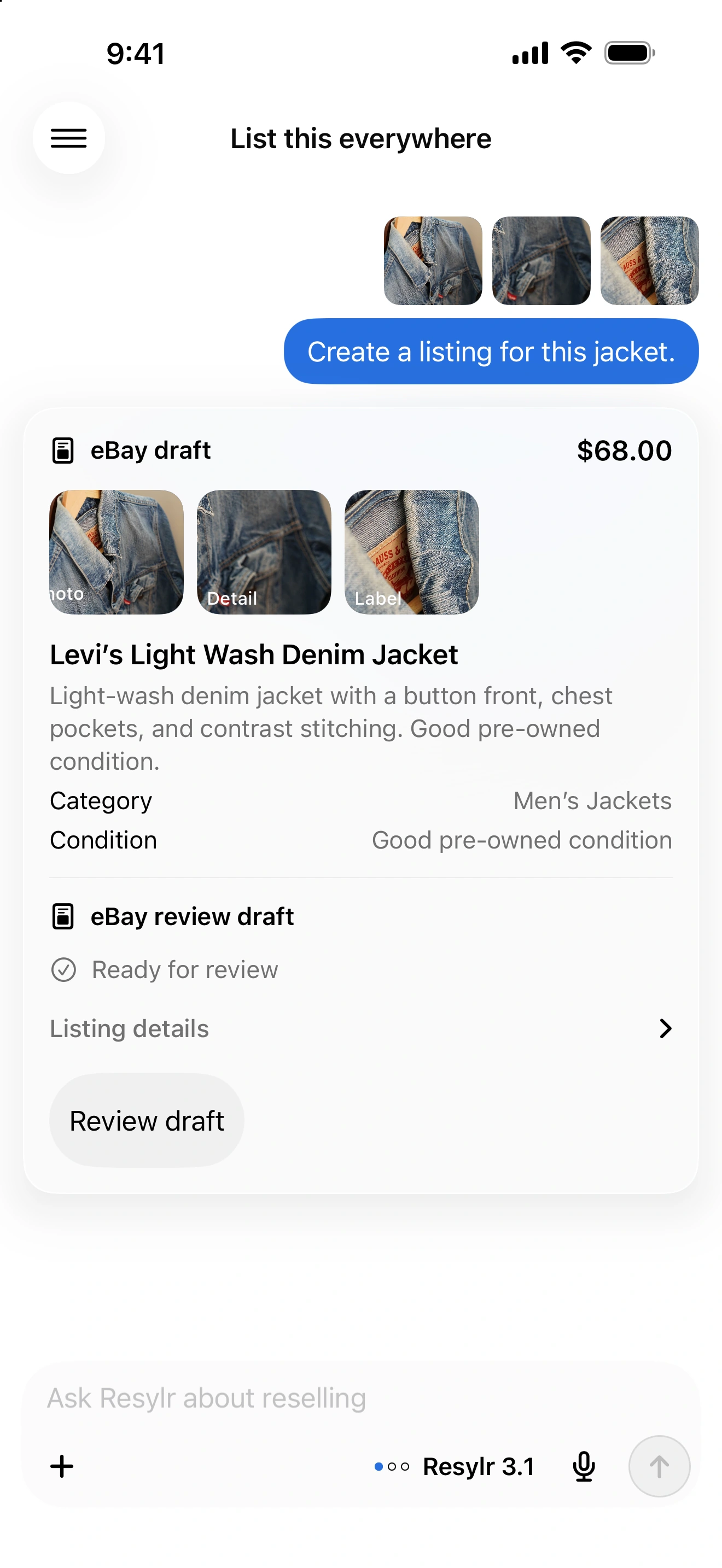
Connect from your phone or desktop.
Connect in Settings → Connections on iPhone or Android. On desktop, use the Chrome extension to connect or reconnect your account.
Prepare the listing.
Review the category, size, brand, condition, photos, and shipping before publishing. Keep the listing linked to its inventory record.
Update details after publishing.
Ask to change supported descriptions, prices, and condition details. Domestic shipping charges can also be changed on eligible USD listings where you arrange delivery.
Schedule price drops and offer rules.
For eligible USD listings, set price drops or rules to accept or counter incoming offers. Outgoing offers are supported in eligible existing buyer conversations. Choose your floors, schedule, and limits before enabling a rule.
No computer required.
Once your accounts are connected, crosslisting, delisting, and sync run in the cloud. You don’t need to keep your computer, extension, or app running.