
Give Resylr a job.
Research an item, prepare listings, update live listings, or set up recurring work. Start in chat.
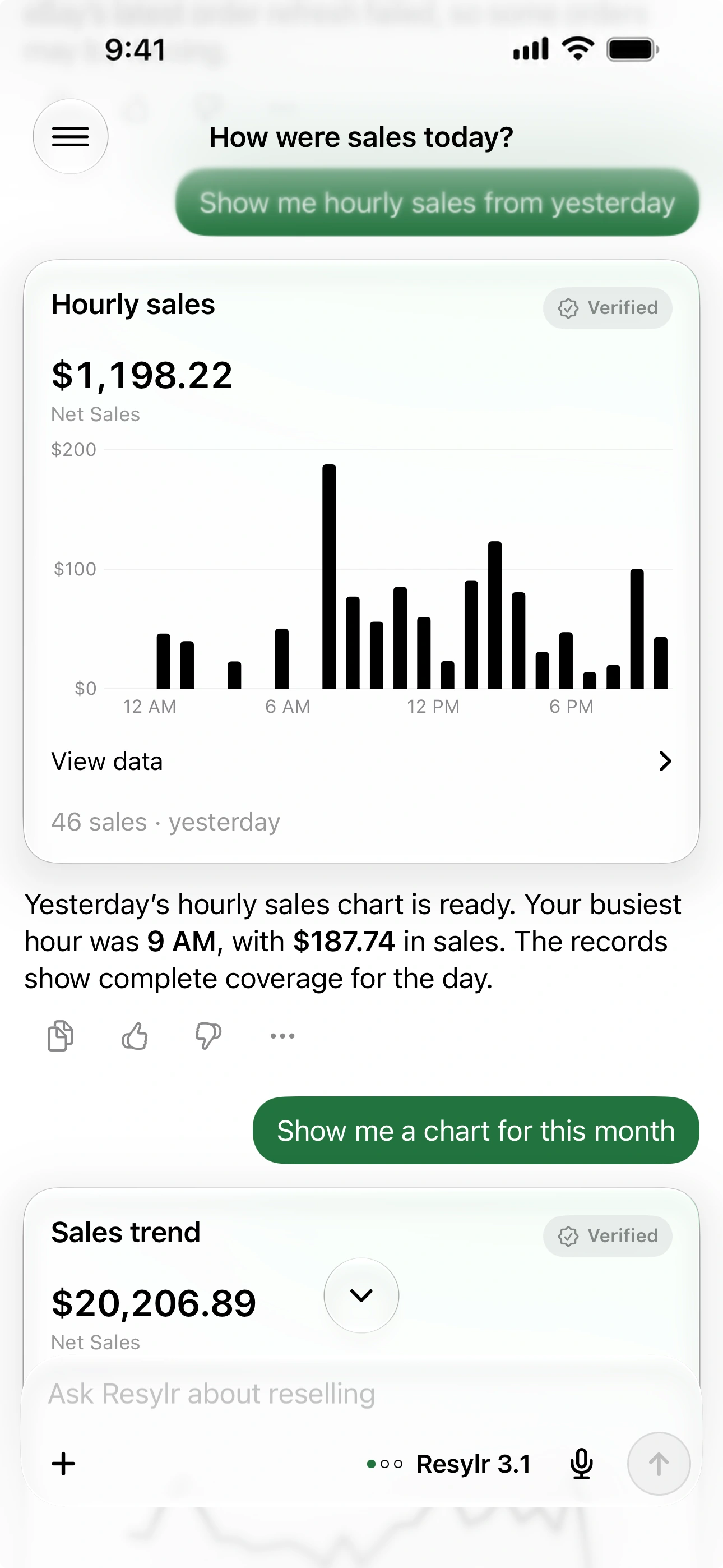
Ask about your business.
Check your sales, compare dates, research an item, or find an inventory record. Resylr works with the records and accounts you’ve connected.
Make changes from chat.
Create a draft from photos or ask to edit a live listing. Supported changes include text, price, condition, and selected photo, shipping, SKU, or stock details. Available edits depend on the marketplace and listing.
Set work on a schedule.
Ask for supported sharing, offers, price drops, or relisting. Choose your schedule and limits, review the rule, then manage it in Automations.
Pick up unfinished work.
Answer missing details, correct an unpublished draft, and continue the same request. Review changes that need approval before Resylr applies them.
Choose how much help you need.
AI requests use your plan’s monthly allowance. More involved work can use more; plan multipliers compare with Starter rather than guaranteeing a message count.